


Building a design system is not easy, especially if you don’t have much experience. Over the years, I have found a good practice for building an effective design system using Figma, Confluence, and Storybook. Here is the know-how.

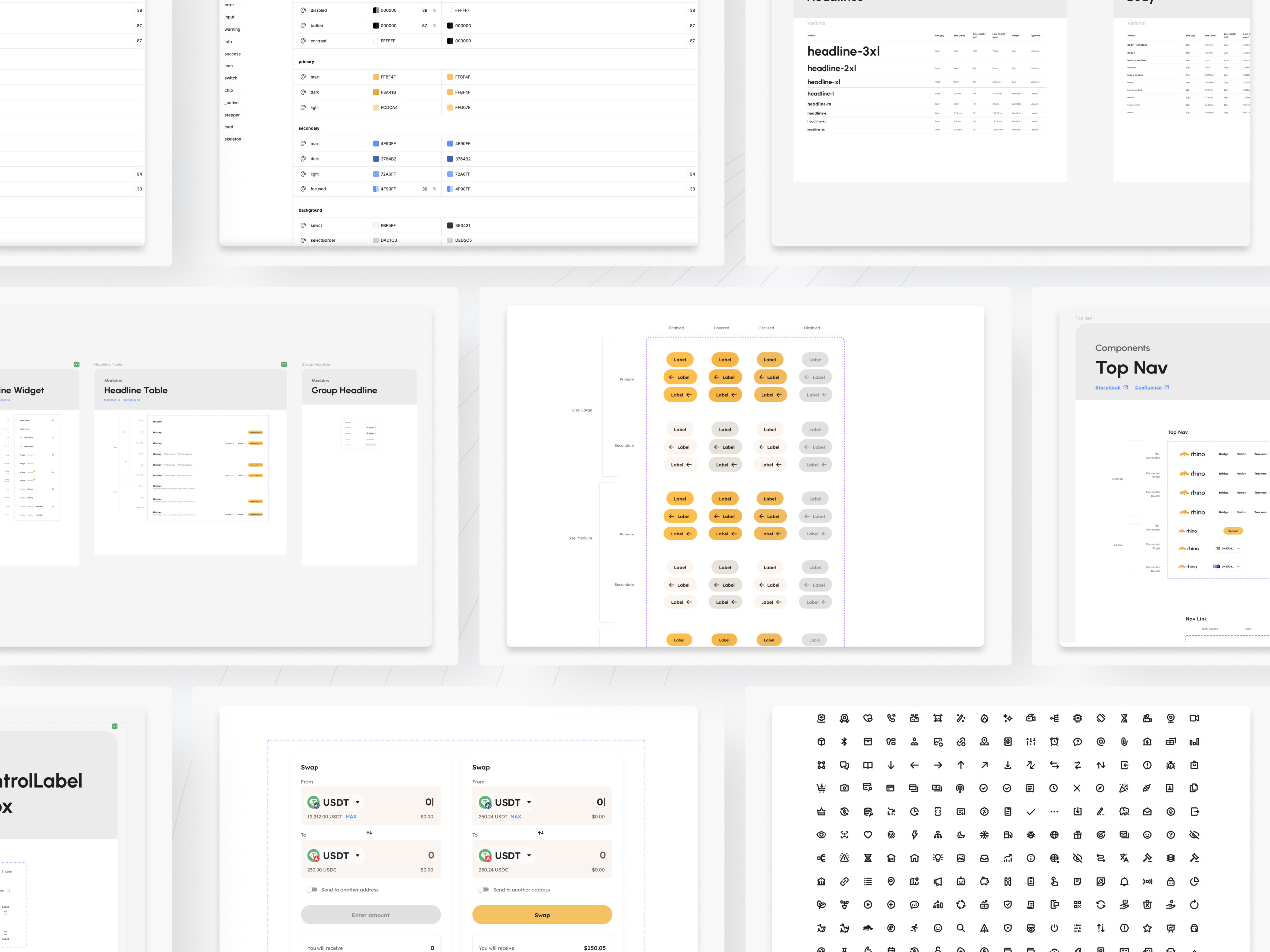
While working at Rhino, I was asked to create a design system for the entire organization. We had a style guide in Figma, which was loosely used. Each new product released to a market has a different style, colors, typography, and general look. On top of that, developers did not have one source of truth on how components should work and look.
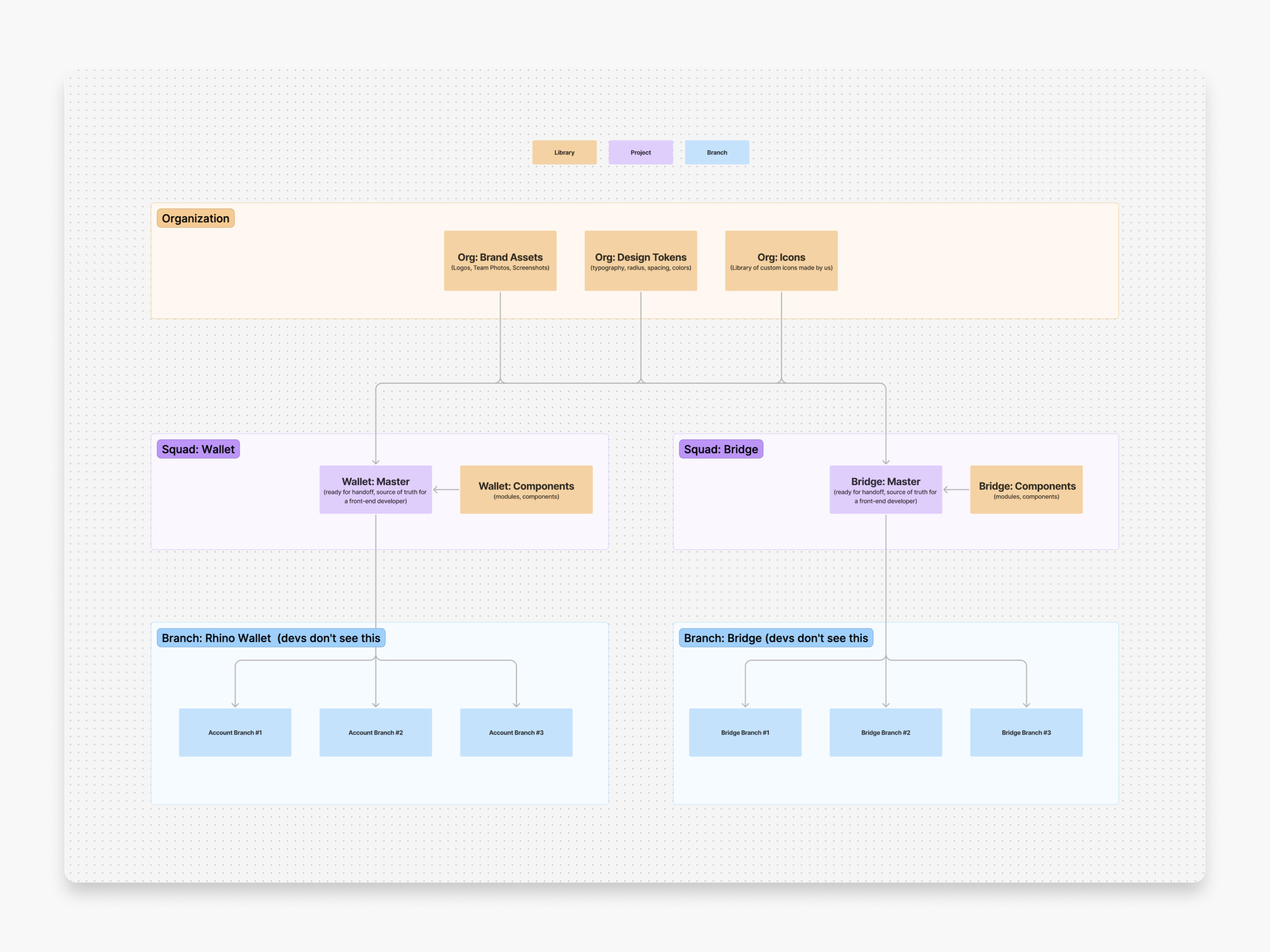
I started by creating three libraries on an organisational level. Design Tokens, Icons and Brand Assets.
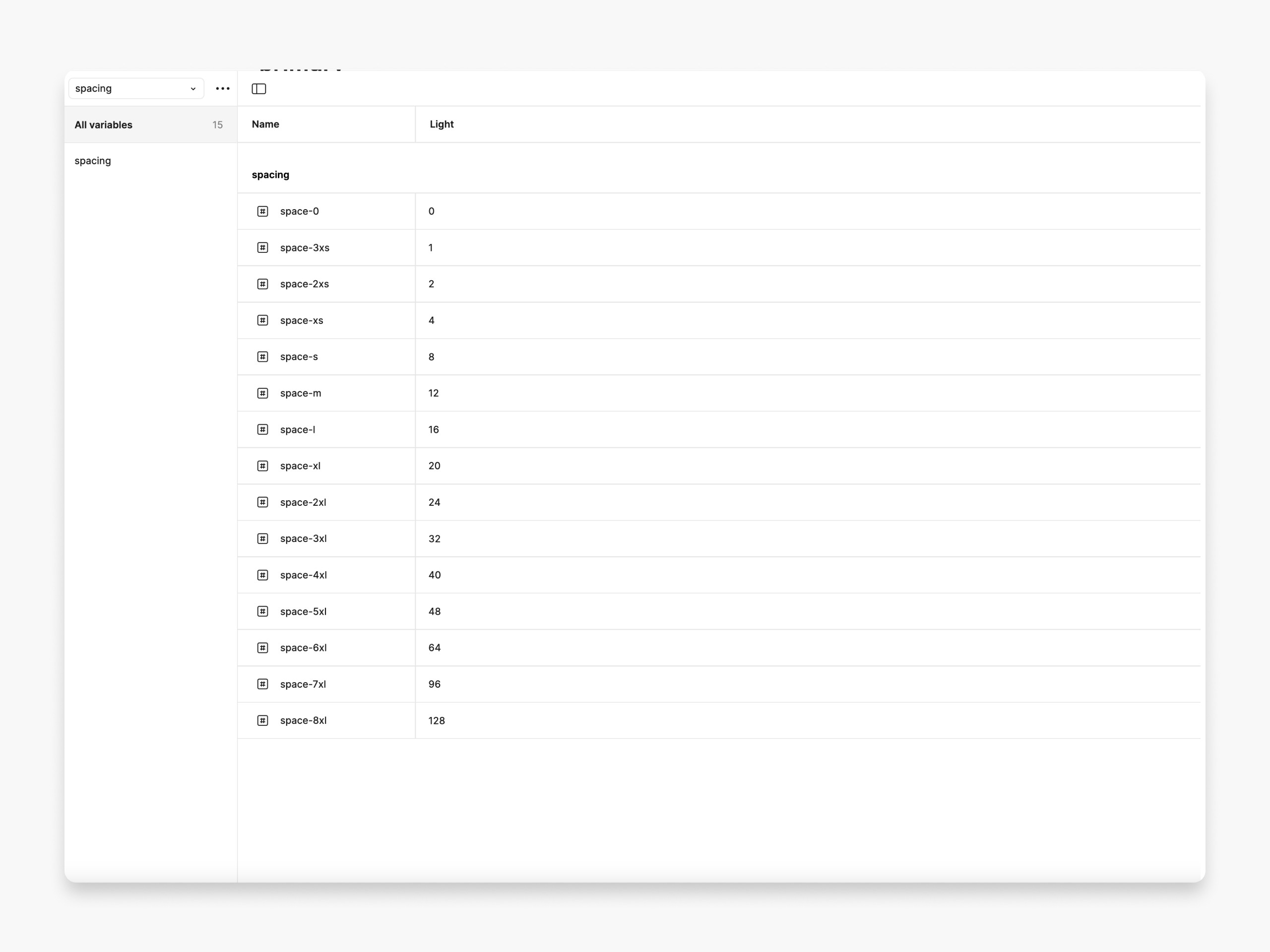
The first included Design Tokens, where I pulled all tokens related to colors, typography, radius, and spacing. Each asset has an agnostic name, so in the case of white-labeling, we would be able to easily change primary or secondary colors, for instance.


The second library contains native icons used within a product, Web3 network icons, and so on. They are all in SVG (I often had to create them from scratch in Illustrator; thankfully, the hard part is done only once). The third library contains brand assets such as logos, illustrations, etc.


The most time-consuming part was the creation of the design components library. I created two separate Figma files because one of them supports Web App Bridge, the second on the native mobile app. To some extent, they have many components in common, but due to the platform’s requirements, they are indeed different.

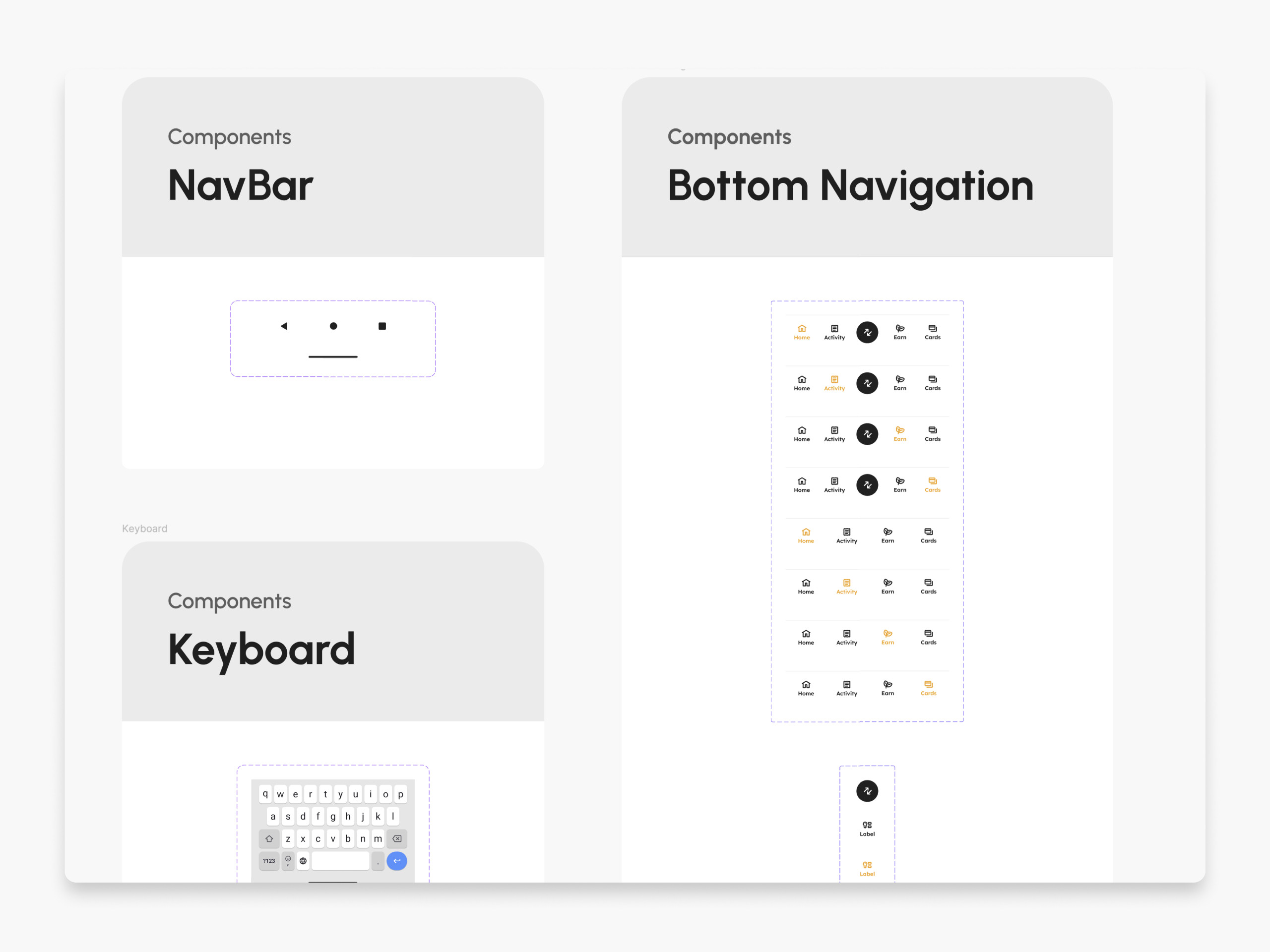
Following atomic design, I created components with different states (enabled, hovered, selected, disabled, focused). The list contains the following: alert, amount, avatar, badge, banner, button, calendar, checkbox, extension, empty state, footer, headline, icon, icon button, list, menu, nav bar, pagination, radio, search, select, status, stepper, switch, table, tabs, text field, toast, and tooltips. They don’t change often. You do them once, and then you have to stick to them.

They combined are the foundation for modules. They are organisms that change often, so they have to be documented in Confluence and Storybook. Rhino Bridge includes Bridge, Connect wallet, Fees, Send, Receive, Highlights, Portfolio, History, Processing, Request, Selecting token and network, Swap, and Sidebar. The list is extensive because of the number of A/B tests the company drives.

Rhino wallet was meant to be built on Android, so it is limited to some extent to the Material UI library (which I love). But it has all Design tokens applied in terms of colors, spacing, radius, etc.
Building designs using a well-thought-out design system is a pure pleasure. It speeds up the creation of concepts and prototypes by weeks. It also helps developers speak the same language as designers. It is super fast, effective, consistent, and well-designed. Because the design tokens have light and dark mode established, it’s just a matter of few clicks to create a dark mode.


Once all those libraries were established, they required documentation and versioning. Since most of the components were already built in the front end, they were easy to document in Storybook. I also created full documentation in Confluence, briefly describing each component. We used Confluence to announce updates using semantic versioning (SemVer).
Does that work? I think so. The team received dozens of compliments from front-end developers who said this was one of the most organized projects they worked on.
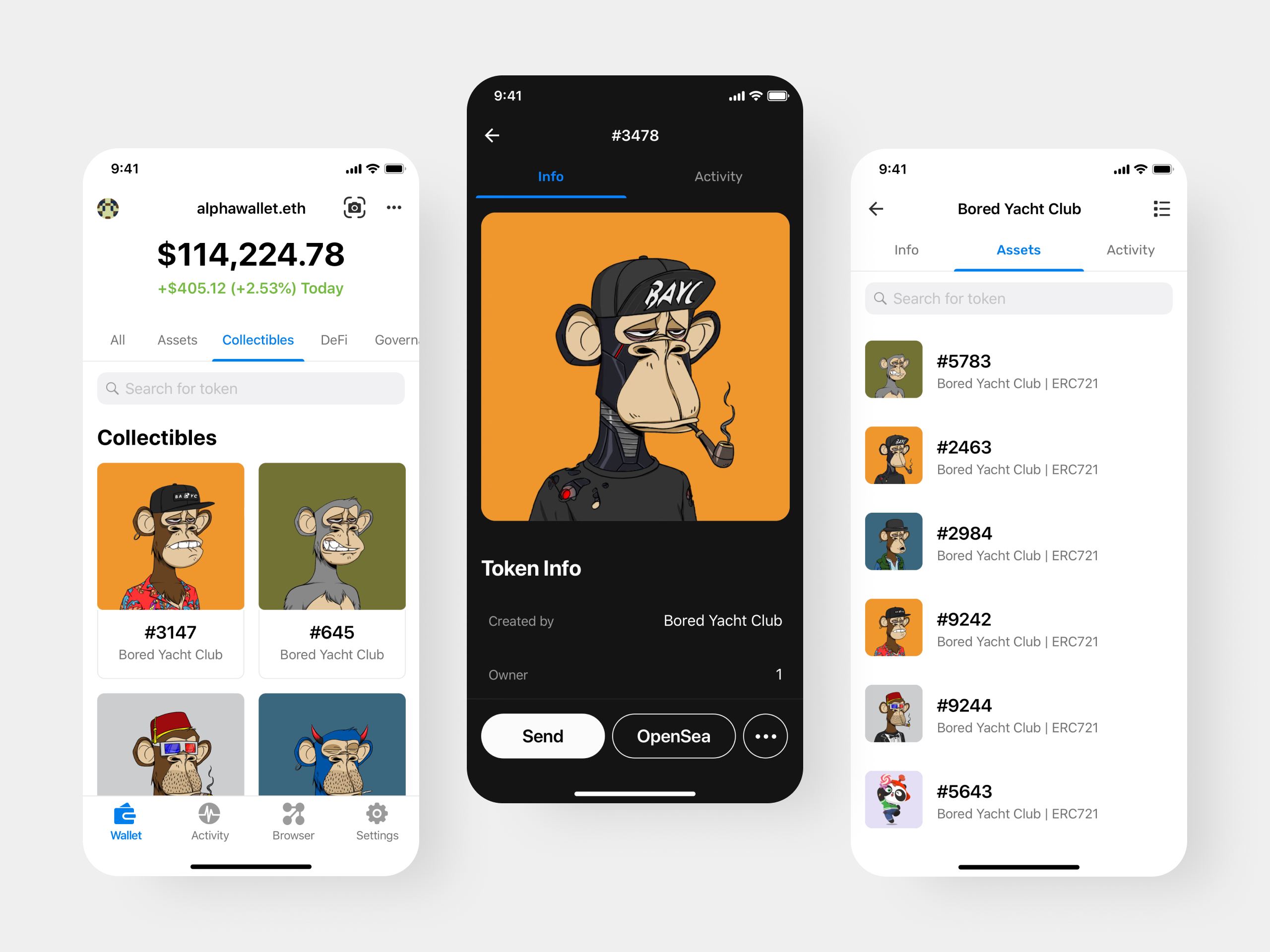
AlphaWallet is an open-source Ethereum Wallet for users and businesses. I joined the team in 2019 without prior knowledge about blockchain, web3, and cryptocurrencies. I caught up very quickly. We had an established native iOS and Android app, the first TokenScript-compatible wallet. To explain, TokenScript is a programmable smart token interface. It allows token issuers…
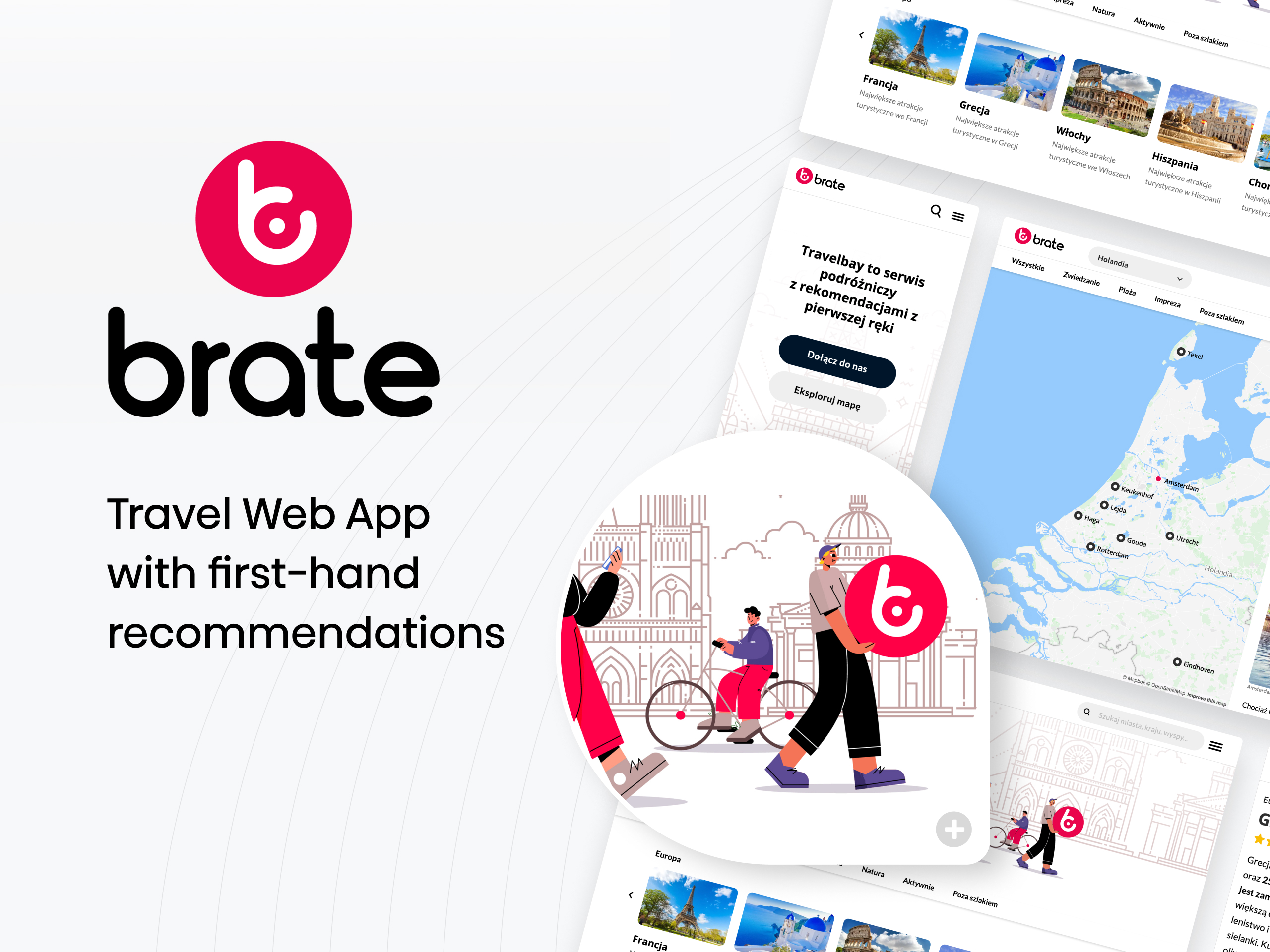
Brate is a Polish web app that makes planning a trip easy. I founded and bootstrapped this project in 2019. Initially, it was a side project that I was developing after working hours. In 2022 it reached 1.8M unique users only in Poland (5M uu since 2019). How can a side project become one of…
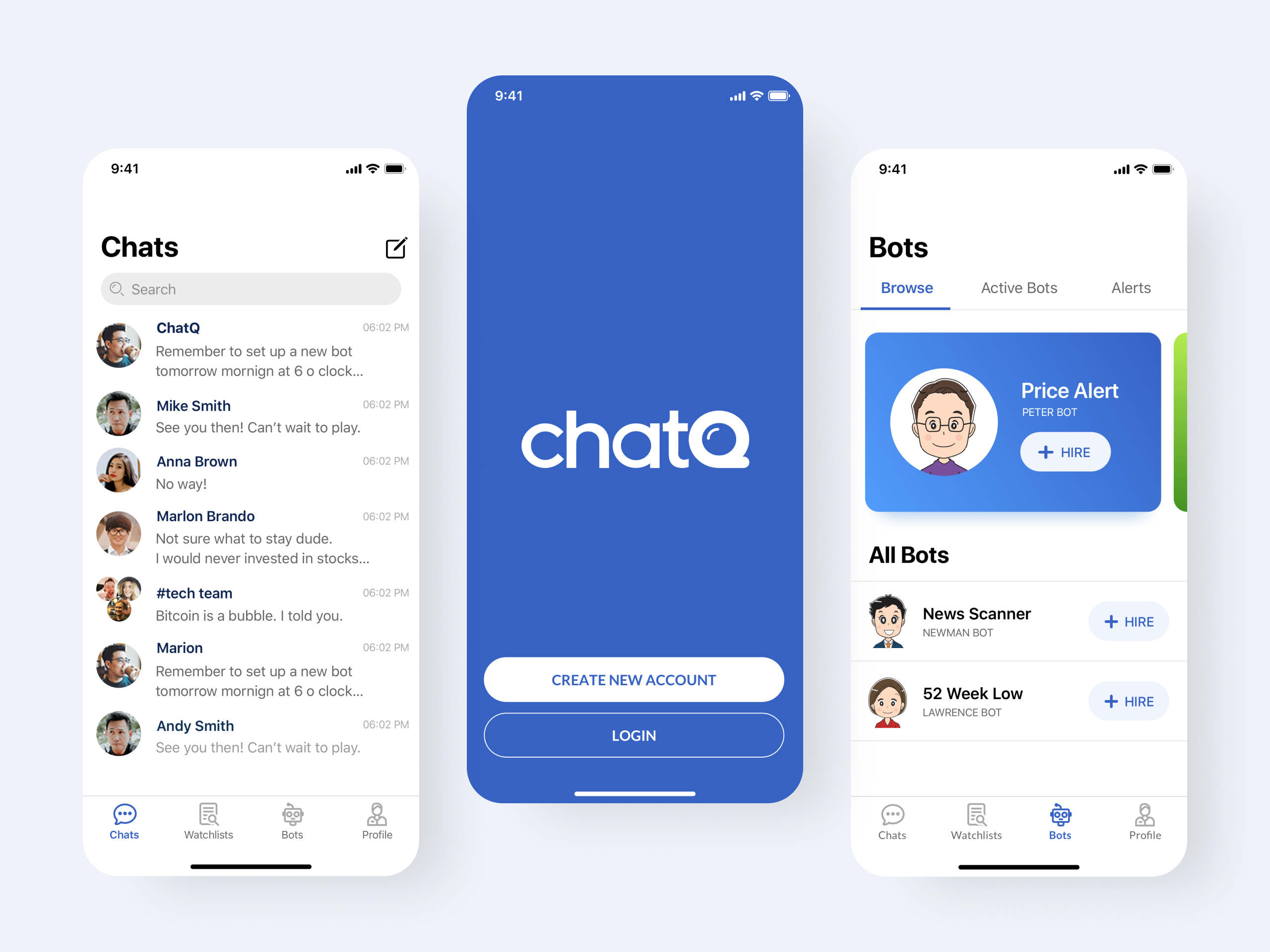
ChatQ is a chat message app built for traders. It has the standard functionalities for chat apps with some customizable features tailored for investors. The idea came from a group of traders from Singapore that were using Telegram and Facebook Messenger to share thoughts about market trends and events. They found it very limiting in…